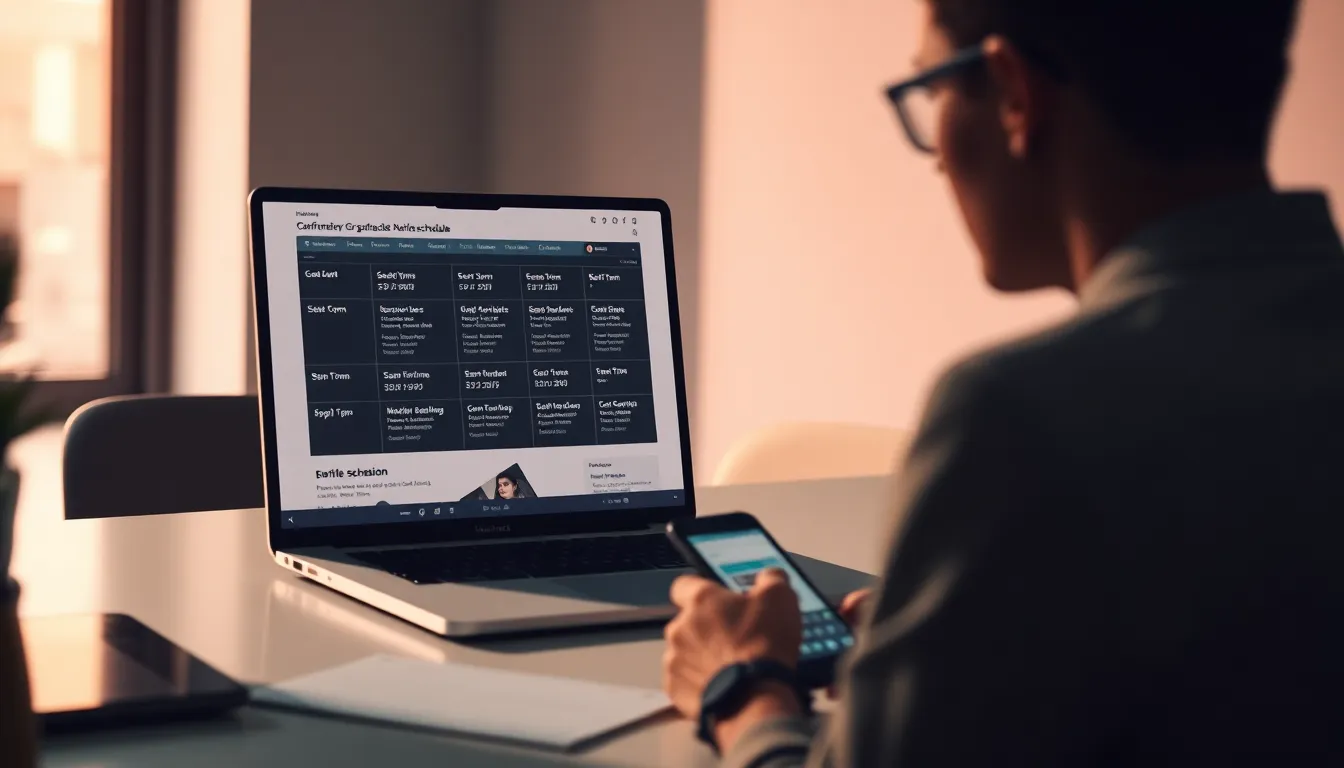
Your conference agenda is one of the most valuable pieces of content you publish. Prospective attendees want to know who is speaking, which topics will be covered, and whether the schedule fits their availability before they commit to registering. Yet many organizers still treat their agenda as a PDF attachment or a separate landing page that requires extra clicks, logins, or downloads.
Embedding your agenda directly on your event website makes the schedule visible to search engines, reduces friction for decision-makers, and keeps your most current information in front of registrants without forcing them to leave your domain. In this guide, you will learn how to choose the right embed method, structure your schedule for clarity, keep it automatically updated, and turn your agenda into a conversion asset.
Why a Website Agenda Matters
Event professionals today face a paradox: attendance is holding steady or growing, but budgets are tighter than ever. According to ConventionSouth, 72.2% of surveyed event professionals reported stable or higher attendance in 2025 compared with 2024, while 61.2% reported reduced client travel and event budgets. That contrast means every touchpoint in your event marketing needs to work harder.
When budgets are constrained, decision-makers scrutinize agenda details more closely before committing. An embedded agenda removes the barrier of downloading a file or navigating to a third-party site. It also signals that your event is current, organized, and transparent, all of which build confidence during the evaluation phase.
Search Engine Visibility
An HTML agenda embedded on your site is crawlable by search engines. Session titles, speaker names, and topic keywords all contribute to your domain's relevance for related queries. A PDF hosted elsewhere or a locked platform page offers none of that discoverability.
Reducing Support Volume
When your schedule is easy to find and always up to date, attendees stop emailing to ask about session times, track changes, or speaker confirmations. A single source of truth on your homepage or registration page cuts support inquiries and frees your team to focus on higher-value tasks.
Choosing Your Embed Method
There are three common approaches to putting a conference agenda on your website: static HTML tables, iframe embeds, and dynamic API-driven displays. Each has trade-offs in flexibility, maintenance, and user experience.
Static HTML Tables
Building your agenda as an HTML table or styled list gives you complete layout control and ensures the content lives natively on your domain. Search engines can index every session, and page load times remain fast because there are no external dependencies.
The downside is maintenance. Every schedule change requires manual editing of the HTML, which becomes unsustainable for multi-day, multi-track conferences with dozens of sessions. Static tables work well for single-day events with a fixed lineup, but they break down under frequent updates.
Iframe Embeds
An iframe embed pulls a live view of your agenda from an external platform and displays it in a window on your site. The content updates automatically when you edit sessions in the source system, which eliminates manual HTML editing.
However, iframes introduce potential drawbacks. Some event platforms serve iframe content that is not crawlable by search engines, so you lose the SEO benefit. Responsive design can also be inconsistent, especially on mobile devices where the iframe may not resize correctly or may introduce awkward scrolling.
JavaScript Widgets and API-Driven Displays
A JavaScript widget fetches agenda data from an API and renders it directly into your page's DOM. This approach combines automatic updates with search-engine visibility, provided the rendering happens on the server side or the crawler can execute JavaScript.
API-driven embeds give you flexibility in design, allow filtering by track or day, and keep your branding consistent. The trade-off is technical complexity: you need either developer resources or a platform that provides a well-documented embed script you can drop into your site.
Structuring Your Agenda for Clarity
No matter which embed method you choose, the way you organize session data determines whether attendees can quickly find what they need or leave frustrated.
Multi-Track vs. Single-Track Layouts
Single-track events can display sessions in a simple chronological list. Multi-track conferences need visual separation by room, topic, or audience segment. Tabbed views, color-coded tracks, and collapsible sections all help prevent information overload.
If your event spans multiple days, default to showing the current or next upcoming day and let users toggle between dates. A mega-list that shows every session at once rarely works well on mobile screens.
Session Detail Pages
Each session should link to a detail page or expandable panel that includes the full description, speaker bios, room location, capacity information, and any prerequisites or recommended audience. This layered approach keeps the main agenda scannable while still offering depth for those who want it.
Speaker and Location Metadata
Include speaker names, headshots, and brief credentials inline or as hover tooltips. Show room names and, if helpful, embed a venue map or directions link. The more context you provide, the fewer follow-up questions you will receive.
Keeping Your Embedded Agenda Fresh
An outdated agenda is worse than no agenda at all. If attendees arrive expecting a session that was canceled or moved, trust erodes quickly. Automatic synchronization between your event platform and your website is essential for conferences that evolve up to the day of the event.
Real-Time Updates
Look for platforms that push changes to your embedded agenda immediately when you edit a session, add a speaker, or shift a time slot. Real-time updates mean you never have to republish a page manually or worry about version conflicts between your internal schedule and the public view.
Event Passport PRO offers an Agenda Builder that lets organizers build multi-day, multi-track schedules with sessions, speakers, locations, descriptions, capacity, RSVP, and deadline controls. Attendees browse and filter the agenda inside the mobile app, and organizers can embed a live-updating public schedule on their website that reflects every change instantly.
Version Control and Change Logs
If you make frequent updates, consider displaying a "Last updated" timestamp at the top of the embed. For major changes, such as a keynote speaker substitution or a room reassignment, send an email notification to registered attendees and highlight the change in the embedded view with a badge or callout.
Making Your Embedded Agenda More Useful
An agenda that simply lists sessions is functional. An agenda that helps attendees plan their day, discover relevant content, and share their plans with colleagues becomes a strategic asset.
Filtering and Search
Allow users to filter sessions by track, topic tag, speaker, or time slot. A search box that matches keywords in session titles and descriptions helps attendees with specific interests find what matters without scrolling through the full schedule.
Personal Scheduling and RSVP
If your platform supports it, let attendees save sessions to a personal agenda or RSVP to reserve a seat in capacity-limited workshops. This not only improves the attendee experience but also gives you data on which sessions are in high demand, which can inform future programming.
Exportable Formats
Offer a one-click export to iCalendar or Google Calendar so attendees can add sessions to their existing calendars. This reduces no-shows and helps people block time in advance, especially when your conference competes with work meetings and other commitments.
AI-Assisted Content
Content creation and optimization are areas where artificial intelligence has made rapid inroads. According to ConventionSouth, 63% of surveyed event professionals used artificial intelligence in 2025. Among those who used AI, 79.3% involved drafting copy, 46.6% involved research, 39.7% involved general marketing tasks, and 34.5% involved creating graphics.
{{CHART}}
Drafting session descriptions, speaker bios, and track summaries are natural fits for AI assistance, especially when you are building a large multi-track agenda under deadline. Structured digital agenda content also makes it easier to automate updates, generate social media posts about featured sessions, and personalize recommendations for different attendee segments.
Embedding Agendas for Modern Event Formats
The line between in-person, hybrid, and virtual events continues to blur. Your embedded agenda needs to serve attendees regardless of how they plan to participate.
Hybrid and Virtual Sessions
Clearly mark which sessions are available in person, which are streamed live, and which are recorded for on-demand viewing. Include platform links, dial-in details, or app download instructions directly in the session detail view so virtual attendees know exactly how to join.
Global Audiences and Time Zones
If you expect international registrants, display session times in the attendee's local time zone or offer a toggle between your event's local time and UTC. Confusion over time zones is a common source of missed sessions and frustration.
Format Expansion and Growth Expectations
Event growth and format diversity are accelerating. In a survey of 206 senior event planners and decision-makers across 10 Asian markets, 71% expected event volume to increase in 2026, 54% planned to expand across in-person, virtual, and hybrid formats, 82% already used AI to personalize content or optimize logistics, and 89% planned to increase AI budgets in 2026.
{{CHART}}
Planning to expand across formats means your agenda infrastructure must support multiple participation modes without duplicating effort. A unified agenda system that tags sessions by format and publishes them to your website, mobile app, and email campaigns in one workflow is far more sustainable than maintaining separate schedules for each channel.
Turning Your Agenda Into a Conversion Tool
An embedded agenda is not just a reference document. It is an opportunity to convert browsers into registrants and registrants into engaged participants.
Calls to Action Within the Schedule
Place a prominent registration button above the agenda and repeat it at logical intervals, such as after each day's schedule or at the end of a featured track. If registration is still open, make it easy for someone who just discovered a must-see session to sign up immediately.
Highlighting Keynotes and Premium Content
Use visual emphasis to draw attention to keynote speakers, exclusive workshops, or sessions with limited capacity. Badges, larger type, or featured placement at the top of the page signal value and urgency.
Social Proof and Engagement Signals
If your platform tracks RSVPs or session popularity, display attendance counts or "trending" indicators. Seeing that dozens of peers have saved a session to their agenda can nudge someone from browsing to registering.
Post-Event Archive and Evergreen Value
After the event, keep the agenda live and link session titles to recordings, slides, or summary blog posts. This turns your schedule into an evergreen content hub that continues to drive traffic, demonstrate expertise, and promote next year's event.
Technical Considerations and Best Practices
Even the best-designed agenda falls short if it loads slowly, breaks on mobile, or conflicts with your website's existing styles.
Responsive Design
Test your embedded agenda on phones, tablets, and desktops. Tables with many columns often require horizontal scrolling on small screens; consider switching to a card or list layout on mobile breakpoints.
Performance and Load Time
Large agendas with hundreds of sessions can slow page rendering. Lazy-load session details, paginate by day or track, or load the initial view server-side to keep perceived performance fast.
Accessibility
Use semantic HTML, provide alt text for speaker images, ensure sufficient color contrast, and make interactive elements keyboard-navigable. An accessible agenda is not only inclusive but also tends to perform better in search rankings.
Analytics and Iteration
Track which sessions get the most views, how long users spend on the agenda page, and where they drop off. Use that data to refine your layout, adjust session descriptions, and identify topics that resonate with your audience.
Choosing the Right Platform
Building a custom agenda system from scratch is possible but rarely cost-effective. Most organizers are better served by a platform that combines agenda management, live embedding, and attendee-facing features in one package.
Look for solutions that offer a visual builder for non-technical users, automatic synchronization between your internal schedule and the public embed, and flexible display options that match your brand. Integration with registration, ticketing, and analytics ensures your agenda data flows through your entire event workflow without manual exports or data duplication.
Event Passport PRO's Agenda Builder supports multi-day, multi-track schedules with full session metadata, capacity controls, and live public embeds. Because the platform also handles ticketing and registration, your agenda and attendee list stay in sync automatically, and you can surface popular sessions or capacity warnings in real time.
An embedded conference agenda is a small investment with outsized returns. It improves discoverability, reduces support overhead, and gives prospective attendees the transparency they need to commit. By choosing the right embed method, structuring your schedule for clarity, and keeping it automatically updated, you turn a static document into a dynamic tool that drives registrations and enhances the attendee experience from the first site visit through the final session.
Ready to build a live, embeddable agenda for your next conference? Explore Event Passport PRO's Agenda Builder or try the interactive demo to see how multi-track scheduling, capacity management, and public embeds work together in one platform.