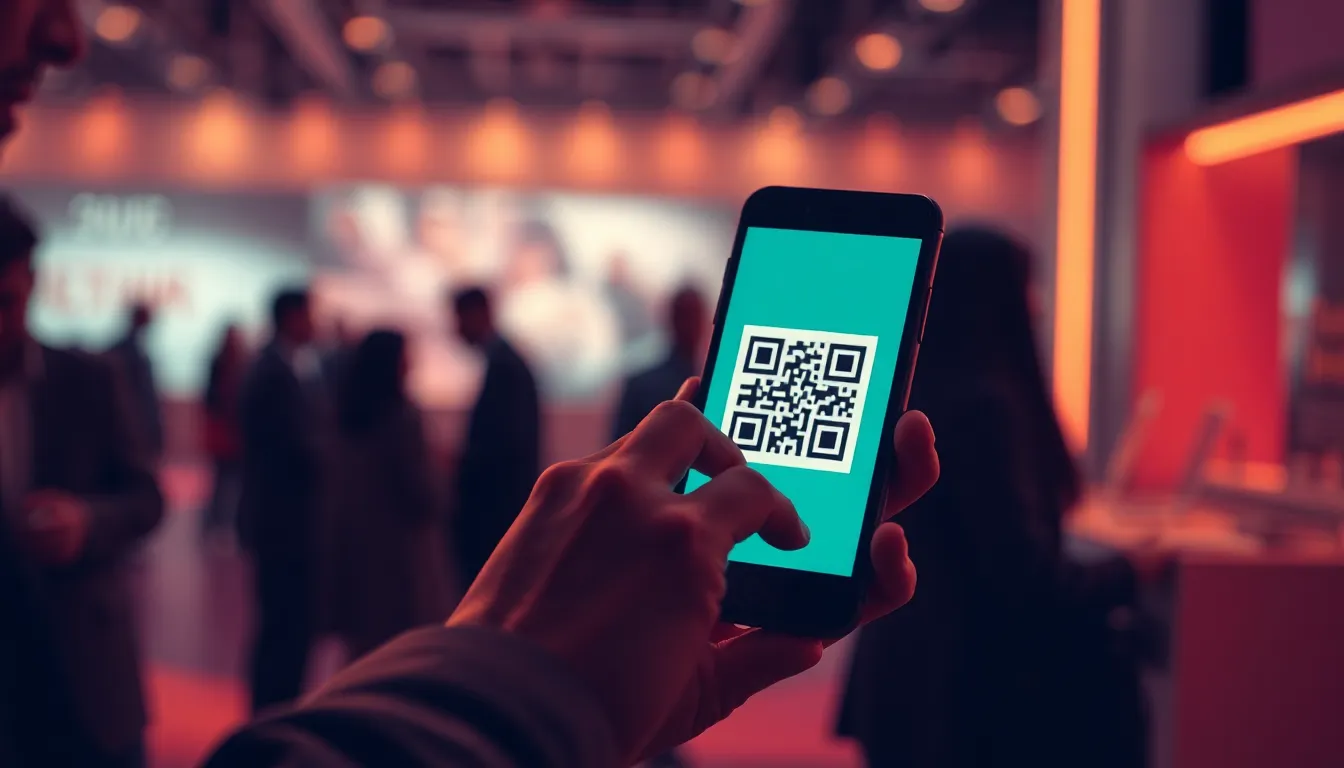
The first moment an attendee encounters your event is the admission queue. Fast, accurate QR code validation sets the tone for the entire experience, signals professionalism, and prevents registration fraud. Yet many organizers still treat door validation as an afterthought, relying on untested devices, improvised workflows, and undertrained staff. The result is bottlenecks, duplicate entries, and missing data.
This guide walks through every step of building a reliable QR code validation workflow, from choosing the right validation mode to configuring fraud prevention rules, training door staff, and using admission data to improve engagement. Whether you run a small workshop or a multi-day conference, these strategies will help you move attendees through the door quickly and capture the data you need to measure success.
Why QR Code Validation Matters
QR codes have become the standard for event ticketing because they are fast to scan, work offline, and embed unique identifiers that prevent forgery. But speed and security only materialize when your validation workflow is designed to handle real-world conditions: high-volume arrivals, network outages, shared devices, and bad actors armed with screenshots or transferred codes.
In 2026, 83% of event professionals still used attendance as a core metric, while 82% prioritized attendee feedback as an equally critical success measure, according to EventsAir. Admission is the foundation of both. Without accurate validation, your attendance counts are unreliable, your engagement data is incomplete, and your post-event analysis starts from guesswork.
The near-equal importance of attendance and feedback reinforces that admission is not just a logistical hurdle. It is the moment you confirm who showed up, when they arrived, and which gate they entered. That data powers real-time dashboards, informs session capacity planning, and helps you understand whether your marketing attracted the audience you expected.
Choosing the Right Validation Mode
The first decision is whether your door team will validate tickets in staffed mode or open mode. Each approach balances control, speed, and labor cost differently.
Staffed Validation
In staffed mode, designated personnel scan each QR code before allowing entry. This approach offers the highest level of control. Staff can verify that the name on the ticket matches a photo ID, handle edge cases such as missing confirmations or payment issues, and provide a welcoming human touchpoint. Staffed validation works well for events with paid tickets, restricted access, or sponsor requirements that demand accurate attendee counts.
The tradeoff is labor. You need enough trained staff to handle peak arrival windows without creating long queues. For high-volume events, plan one scanner station for every 75 to 100 arrivals per hour, and position staff where they can see the entrance flow and communicate with one another.
Open Validation
In open mode, attendees scan their own QR codes at self-service kiosks or through the event app. This approach eliminates labor costs and moves people through the door faster, but it sacrifices the ability to verify identity or intervene when a ticket has already been scanned. Open validation suits free community events, internal meetings, or any scenario where trust is high and fraud risk is low.
Hybrid approaches are also common. Some organizers use staffed validation during the first hour of a conference, then switch to open mode once the rush subsides and most attendees have been verified.
Configuring Duplicate Detection and Re-Entry Rules
Duplicate scans are the most frequent validation issue. They occur when an attendee accidentally scans twice, when a screenshot is shared, or when a fraudulent ticket is presented by multiple people. Your validation system must detect duplicates in real time and give door staff clear guidance on how to respond.
Setting Duplicate Windows
A duplicate window defines how long the system should block a second scan of the same QR code. A five-minute window prevents accidental double-scans while still allowing someone to leave and return shortly after. A 24-hour window locks the code for the entire event day, blocking re-entry unless the system is manually overridden by staff.
Choose the window based on your event format. Single-session workshops can enforce a strict one-time scan. Multi-day conferences with lunch breaks and offsite networking often allow re-entry, but log every scan to detect patterns that suggest fraud.
Handling Re-Entry
If your event permits attendees to leave and return, configure your system to allow multiple scans from the same valid ticket while still flagging suspicious activity. For example, a ticket scanned three times in 10 minutes across different gates signals that a screenshot is being shared. Your validation interface should alert staff to this pattern and prompt a manual ID check.
Re-entry logs also reveal operational insights. If 40% of attendees leave after the morning keynote, you may need to adjust your schedule, improve catering, or add afternoon programming that retains the audience.
Offline Validation and Network Resilience
Network connectivity at event venues is notoriously unreliable. Wi-Fi overloads, cellular dead zones, and conference center infrastructure failures can all bring cloud-based validation systems to a halt. Offline validation capability is not optional; it is a requirement.
Offline-capable validation apps download the full registration list before the event begins. When a QR code is scanned, the app checks it against the local database and records the validation timestamp. Once connectivity is restored, the app syncs all scans to the server. This approach ensures that door operations continue smoothly even when the network fails, and it prevents the chaos of turning away valid ticket holders because the system cannot reach the cloud.
Test offline mode during your pre-event walkthrough. Disconnect the scanning device from all networks, scan a few test tickets, and confirm that the app logs each entry and flags duplicates without delay. Then reconnect and verify that the synced data appears correctly in your dashboard.
Training and Equipping Door Staff
The best validation technology fails if your staff does not understand how to use it. Door training should cover the validation interface, duplicate handling, troubleshooting steps, and escalation protocols.
Pre-Event Training Session
Schedule a 30-minute training session the day before the event. Walk staff through the scanning workflow, show them how to look up an attendee by name if a QR code will not scan, and demonstrate how to manually override a duplicate warning when re-entry is legitimate. Provide printed quick-reference cards that list common error messages and the correct response for each.
Role-play scenarios: an attendee whose ticket was already scanned, someone who registered but never received a confirmation email, and a walk-up guest who wants to buy a ticket on-site. Ensure every staff member knows who to call when they encounter an issue they cannot resolve.
Device Setup and Backup Plans
Use dedicated devices for scanning whenever possible. Personal phones introduce inconsistency, drain batteries, and create security risks. If you must rely on personal devices, install the scanning app in advance, test it with sample QR codes, and ensure every device is fully charged and equipped with a portable battery pack.
Bring backup devices. A single hardware failure should not shut down a validation lane. Keep at least one spare phone or tablet on hand, already logged in and ready to scan.
Preventing Fraud: Screenshots, Transfers, and Fake Codes
QR code fraud comes in three forms: screenshots shared among multiple people, transferred tickets resold outside your platform, and counterfeit codes generated to mimic legitimate tickets. Your validation strategy must address all three.
Screenshot Detection
Static QR codes are easy to screenshot and share. Some platforms generate dynamic codes that refresh every few seconds, making screenshots obsolete. Others embed a unique device identifier or timestamp that changes with each app launch. If your ticketing system uses static codes, rely on duplicate detection and manual ID checks to catch shared screenshots.
Controlled Transfers
If your event permits ticket transfers, enforce them through your platform rather than allowing attendees to forward confirmation emails. Platform-managed transfers revoke the original ticket, issue a new QR code to the recipient, and update your registration list in real time. This prevents the original buyer and the new attendee from both presenting valid-looking codes at the door.
Validating Code Format
Legitimate event QR codes follow a predictable format: a URL or alphanumeric string tied to your registration database. Train staff to recognize obviously fake codes, such as QR codes that point to unrelated websites or contain random text. If a code scans but produces an error or no match, do not admit the attendee until you verify their registration through another channel.
Using Admission Data to Improve Engagement
Admission is more than a gatekeeper function. Every scan generates a timestamped record that reveals arrival patterns, gate utilization, and no-show rates. These insights help you optimize future events and measure the effectiveness of your current program.
Real-Time Dashboards
A real-time admission dashboard shows how many attendees have arrived, which gates are busiest, and whether you are on track to hit your expected attendance. During the event, use this data to reposition staff from slow gates to congested ones, open additional lanes, or alert session facilitators that the audience is smaller or larger than anticipated.
Arrival Velocity and Peak Windows
Analyze arrival velocity to understand when attendees show up. If 60% of your audience arrives in the first 30 minutes, you need maximum staffing during that window. If arrivals are evenly distributed, you can operate with fewer lanes and lower labor costs. Track peak arrival times across multiple events to refine your standard operating procedures.
No-Show Analysis
Compare your registration list with your admission records to calculate your no-show rate. High no-show rates signal issues with registration friction, unclear event value, or poor pre-event communication. Segment no-shows by ticket type, registration date, or traffic source to identify which cohorts are least likely to attend, then adjust your marketing and confirmation workflows accordingly.
Integrating Admission with the Rest of Your Event Platform
Admission data becomes far more valuable when it connects to your broader event platform. Integrating validation records with session RSVPs, gamification activity, and sponsor engagement creates a complete picture of each attendee's journey.
For example, if your event includes a digital passport where attendees collect stamps by scanning QR codes at sponsor booths or sessions, your admission scan is the first stamp. Platforms that unify admission and engagement tracking let you see whether early arrivals are also your most active participants, or whether latecomers disengage after missing the opening session.
Event Passport PRO combines admission workflows with gamification and analytics. Organizers configure admission windows, gates, duplicate detection, and re-entry rules, while attendees use the same app to collect stamps, browse the agenda, and network. Admission records sync instantly to the analytics dashboard, so you can monitor entry velocity and compare attendance against engagement in real time.
Connecting Admission to Post-Event Surveys
Admission data also helps you segment post-event surveys. Attendees who stayed for the full program have different perspectives than those who left early. By matching admission and exit timestamps, you can send tailored survey questions: "We noticed you left after the morning session. What would have kept you engaged?" This targeted approach yields higher response rates and more actionable feedback.
A Transparent Validation Workflow Pays Dividends
QR code validation is the invisible infrastructure that makes everything else possible. When it works, attendees move smoothly through the door, staff feel confident, and your data is accurate. When it fails, you lose credibility, waste time on manual corrections, and start the event in recovery mode.
Invest in offline-capable validation tools, train your team thoroughly, configure fraud prevention rules that match your event's risk profile, and treat admission data as the foundation of your engagement strategy. The result is faster entry, fewer disputes, and the reliable attendance records you need to measure success and improve future events.
Ready to simplify door validation and connect admission data to the rest of your event? Explore Event Passport PRO's admission workflows or compare pricing to see how a unified platform eliminates manual reconciliation and turns every scan into actionable insight.